
Why this blog?
As enterprises continue their cloud transformation journeys, many are evaluating how to move beyond legacy ETL environments without disrupting critical business operations. This blog explores a practical roadmap for migrating from PowerCenter to IDMC, covering assessment, migration planning, validation, optimization, and modernization. It highlights the architectural and operational benefits of IDMC and outlines best practices that help organizations reduce migration risk while building a stronger foundation for future data initiatives.
While PowerCenter has been a trusted enterprise ETL platform for years, modern business requirements demand greater scalability, flexibility, real-time processing, and seamless integration with cloud ecosystems. Informatica IDMC addresses these needs by providing a unified cloud platform for data integration, governance, quality, master data management, and AI-powered automation
This article outlines a structured approach to successfully migrate from PowerCenter to IDMC while minimizing risk and maximizing the value of cloud adoption.
Why Organizations Are Moving to IDMC
PowerCenter was designed primarily for on-premises data integration environments. Although it remains a robust ETL platform, enterprises today are increasingly adopting cloud-first strategies that require more agile and scalable solutions.
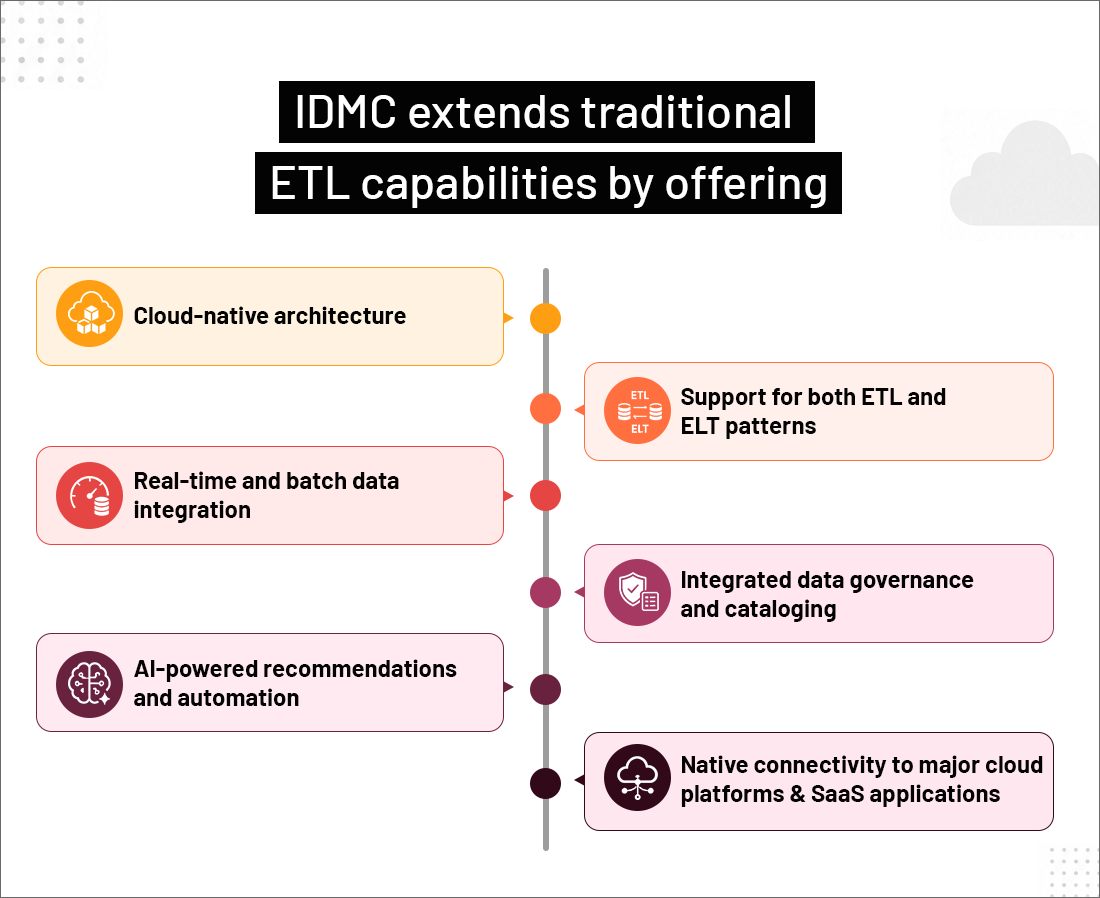
The migration is not simply a platform upgrade; it is an opportunity to modernize data integration processes and improve operational efficiency.
Step 1: Assess the Existing PowerCenter Landscape
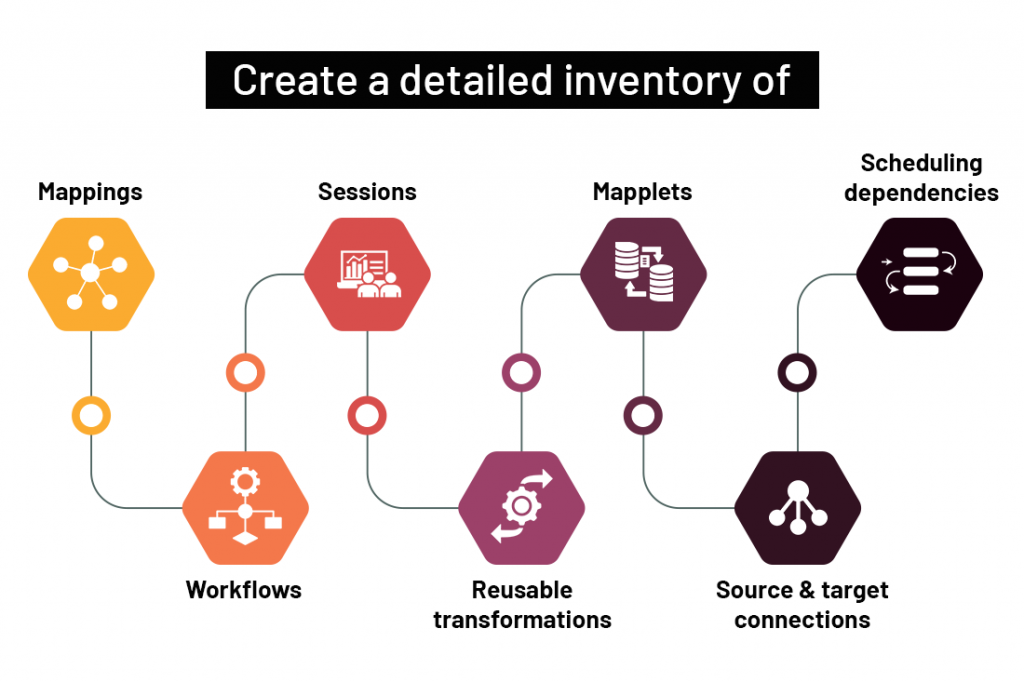
Before starting any migration effort, it is essential to gain a complete understanding of the current PowerCenter environment.:
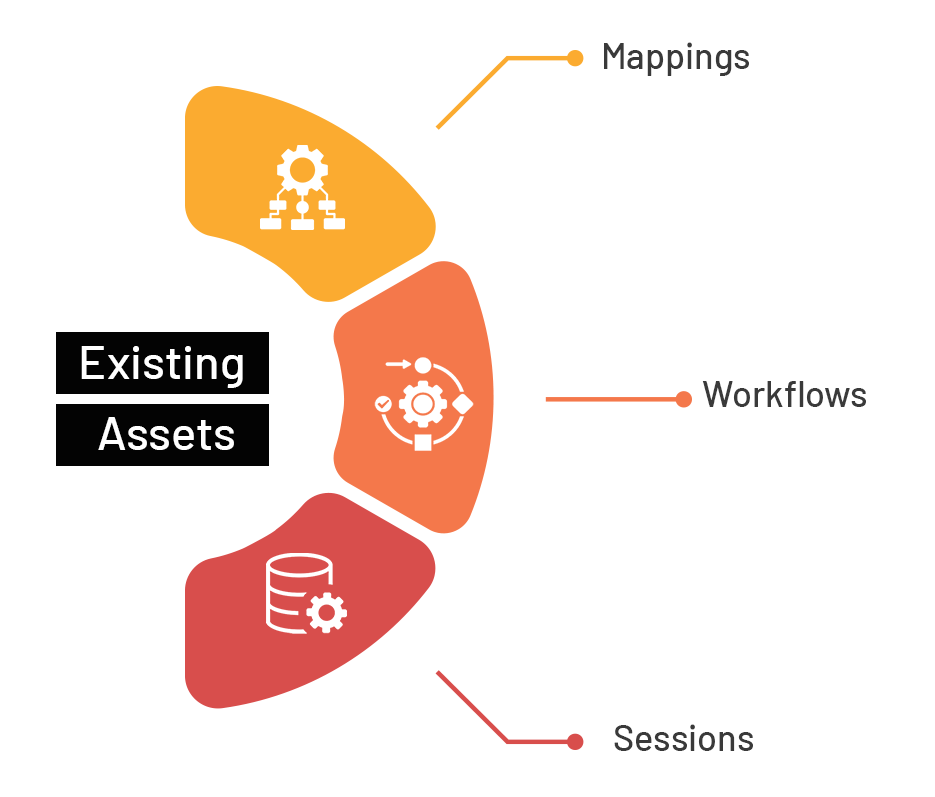
Inventory Existing Assets
Evaluate Compatibility
Not every PowerCenter component translates directly into IDMC.
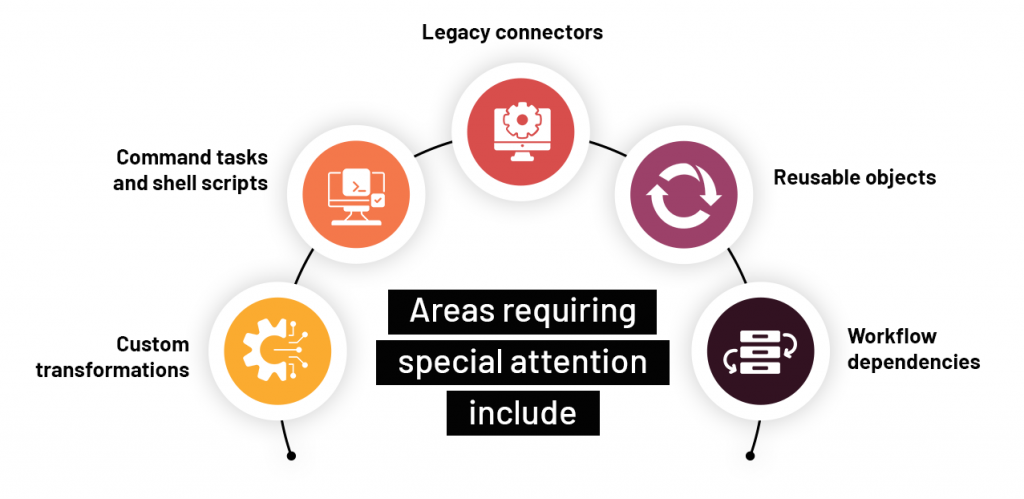
Identifying these items early helps avoid unexpected challenges during implementation.
Prioritize Workloads
Categorize integrations based on business criticality:
High Priority
Business-critical pipelines supporting operational reporting, customer-facing applications, or regulatory requirements.
Medium Priority
Important processes with moderate business impact.
Low Priority
Legacy jobs that may be retired, consolidated, or redesigned.
This prioritization helps establish a phased migration strategy.
Step 2: Define a Migration Strategy
Organizations typically adopt one of two migration approaches.
Lift-and-Shift Approach
This strategy focuses on replicating existing PowerCenter functionality in IDMC with minimal changes.
Advantages
– Faster migration timeline
– Lower initial effort
– Reduced business disruption
Limitations
– Limited optimization
– Does not fully leverage cloud-native capabilities
Modernize During Migration
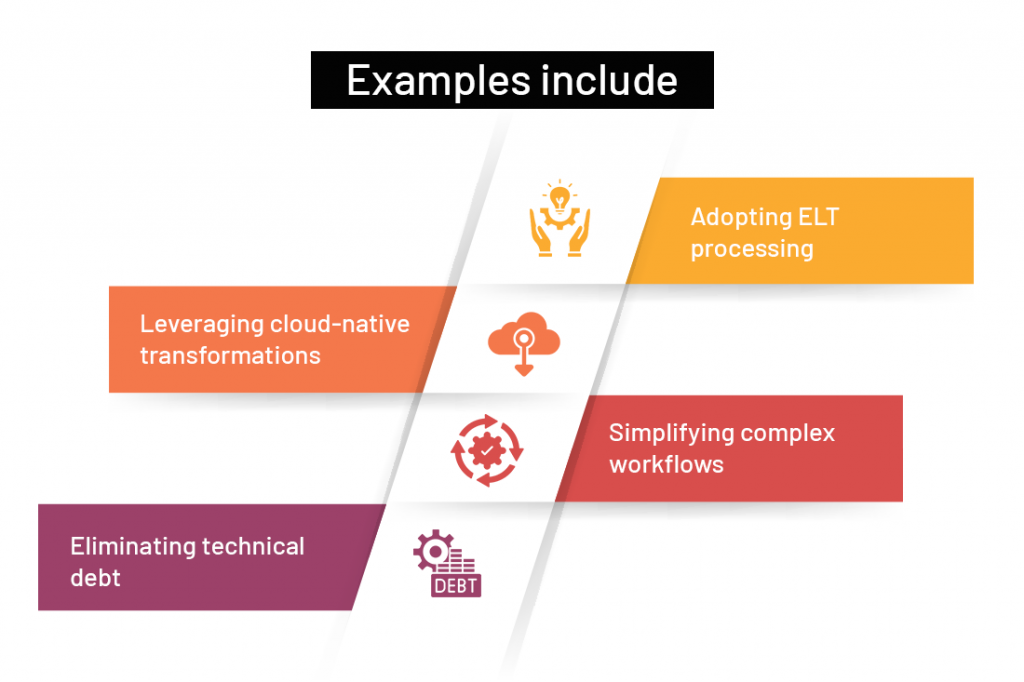
Instead of recreating existing workflows, organizations redesign them to take advantage of IDMC features.
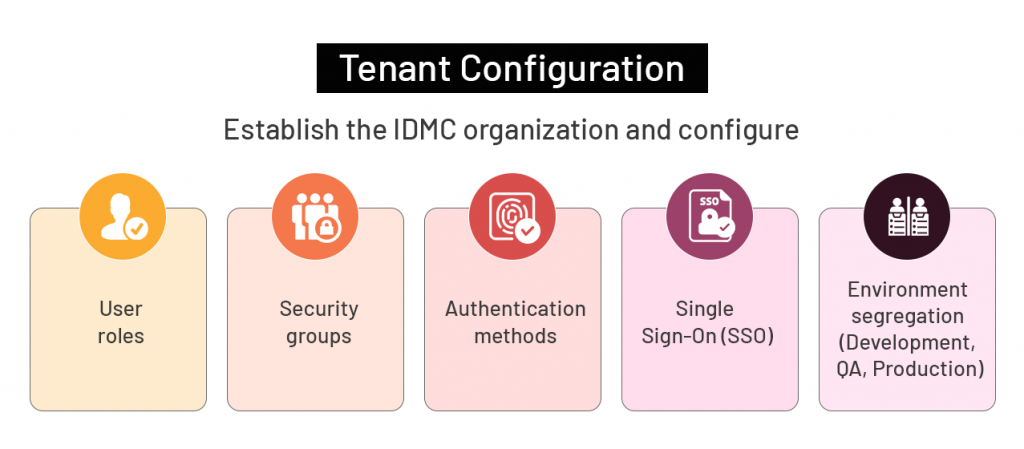
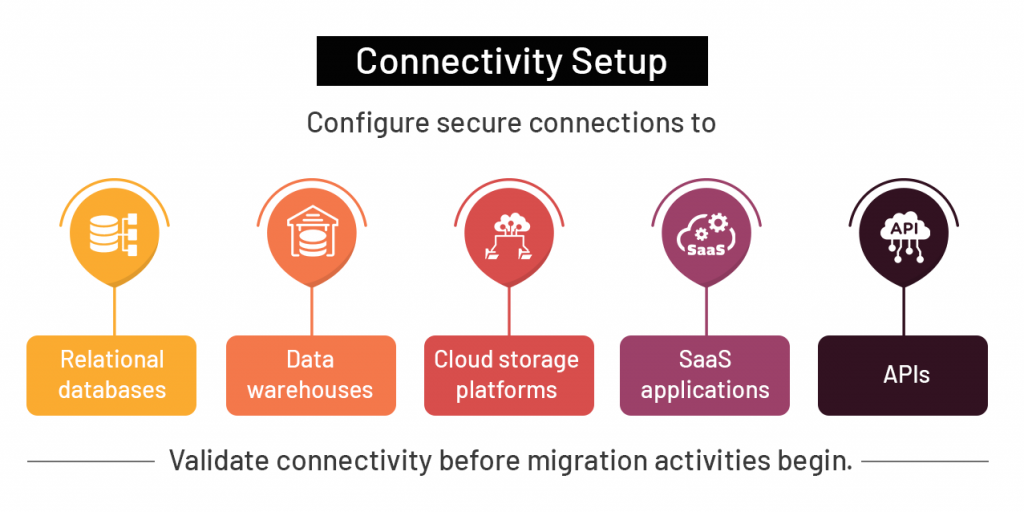
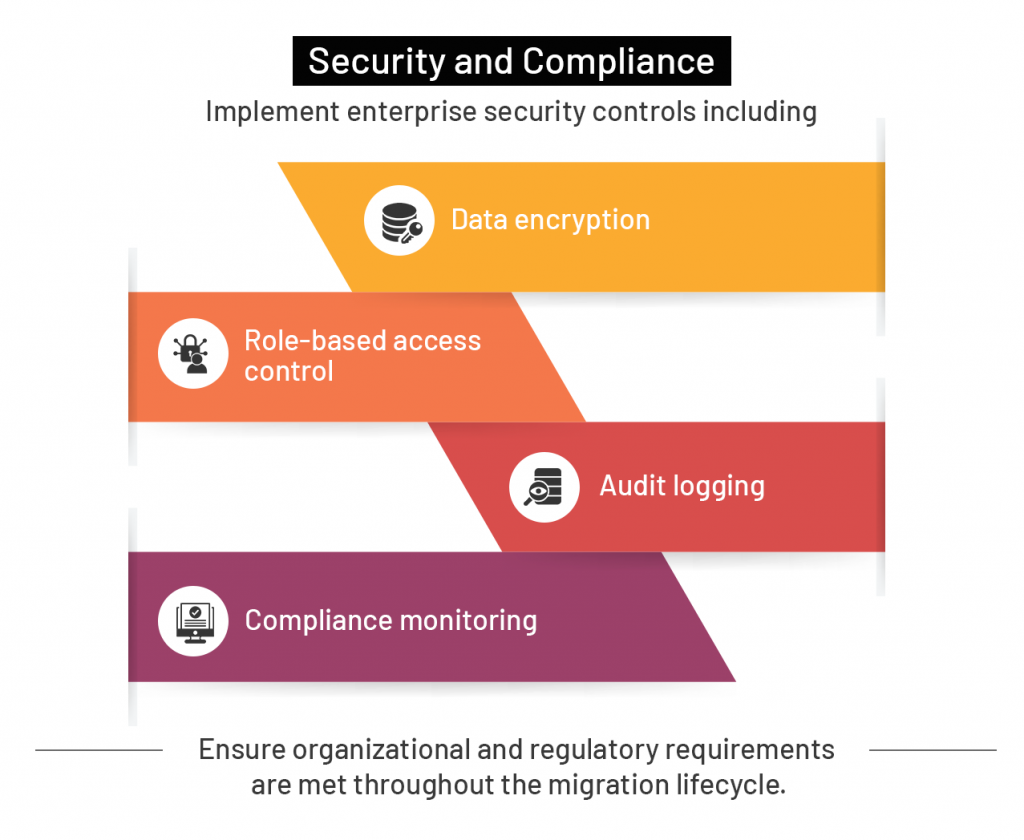
Step 3: Prepare the IDMC Environment
A properly configured IDMC environment is critical for a successful migration.
Step 4: Migrate PowerCenter Assets to IDMC
Once planning and environment setup are complete, migration execution can begin.
Convert Integration Components
Depending on complexity, migration can involve:
Automated Conversion
Informatica provides migration utilities and accelerators that can assist with converting supported objects.
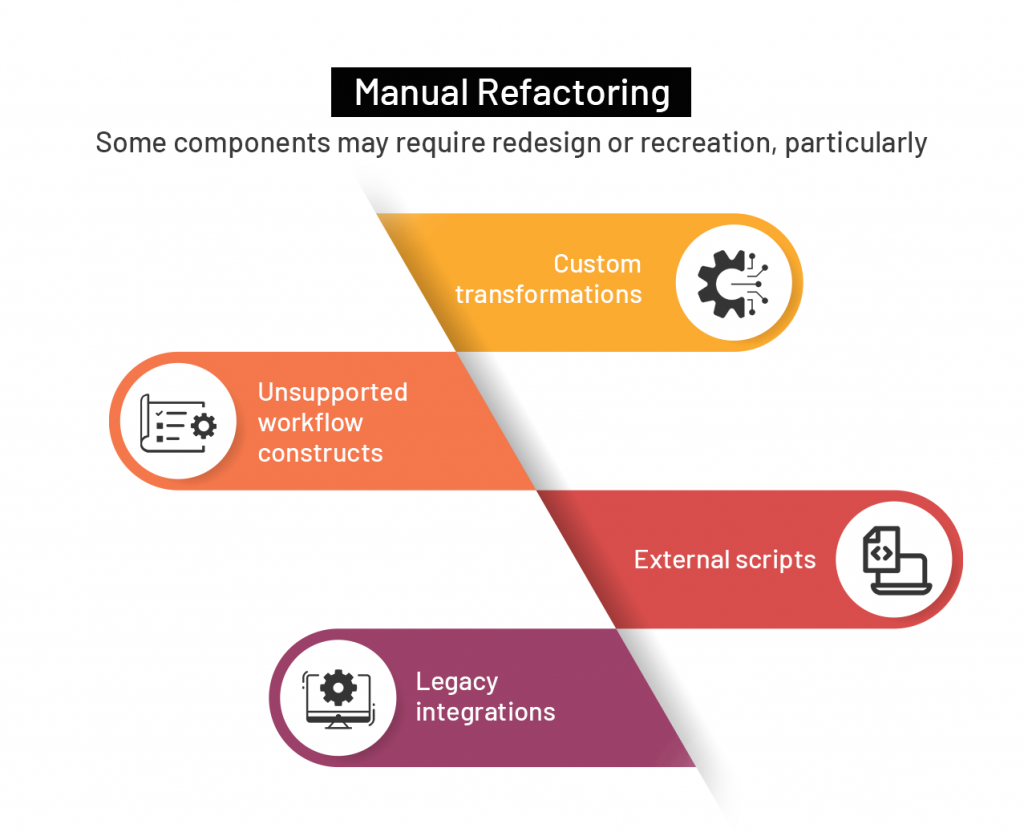
Organizations should expect a combination of automated conversion and manual effort.
Step 5: Validate Functionality and Performance
Testing is one of the most critical phases of migration.
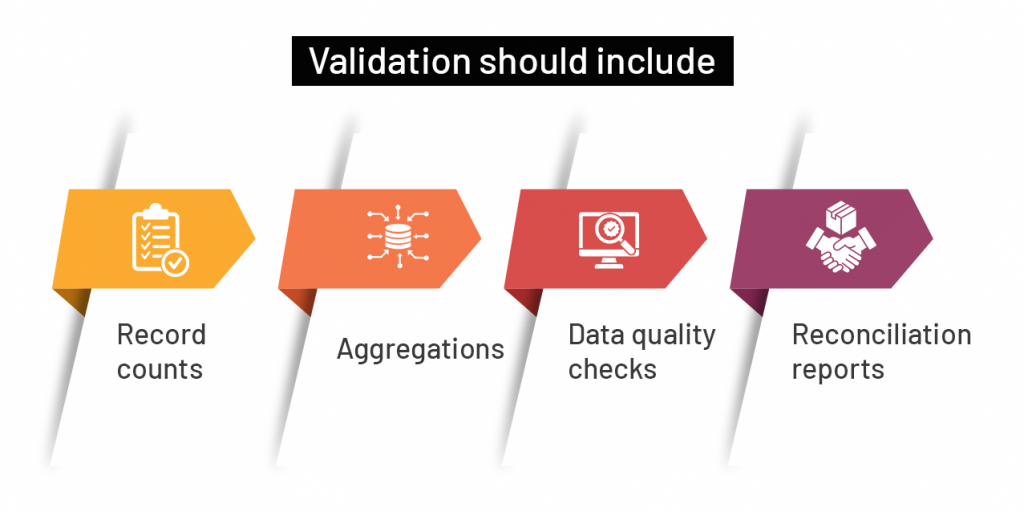
Data Validation
Verify that migrated jobs produce results consistent with PowerCenter outputs
Functional Testing
Ensure all business rules and transformations operate as expected.
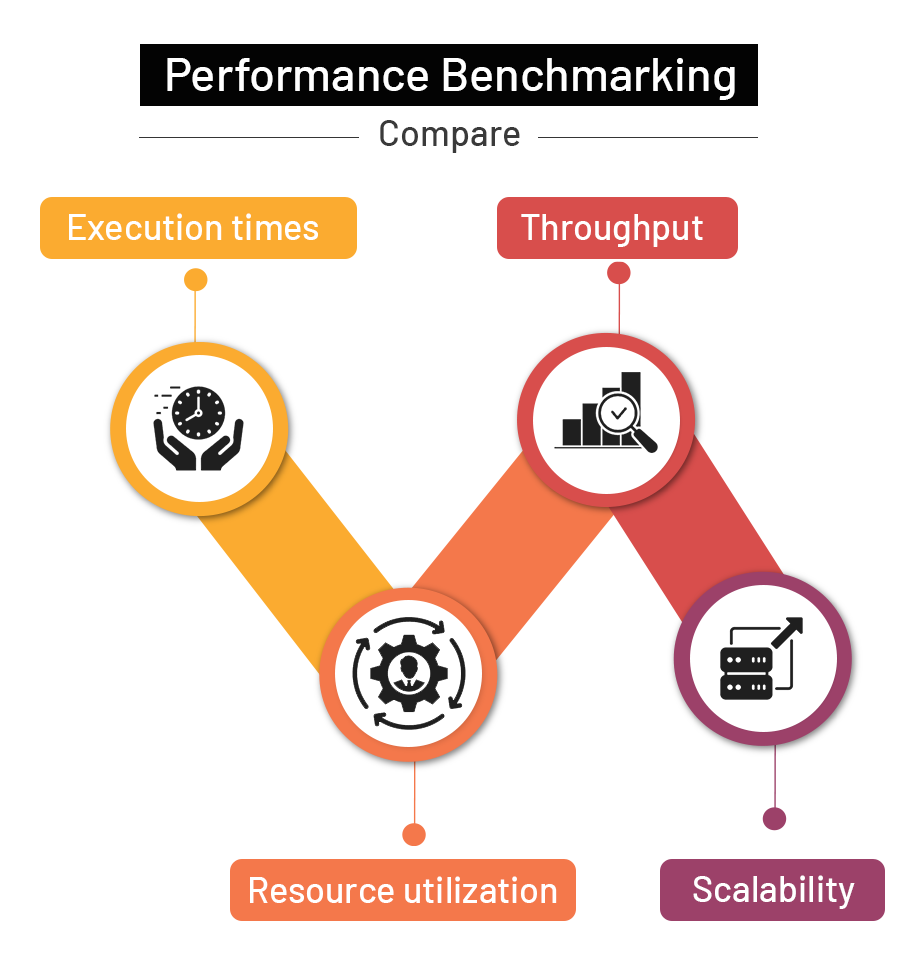
Cloud-native architectures often provide opportunities for significant performance improvements when workflows are optimized appropriately.
User Acceptance Testing
Business users should validate that operational and reporting requirements continue to be met after migration.
Step 6: Optimize and Modernize
Migration should not be viewed as the final destination.
Once workloads are running successfully in IDMC, organizations should focus on optimization.
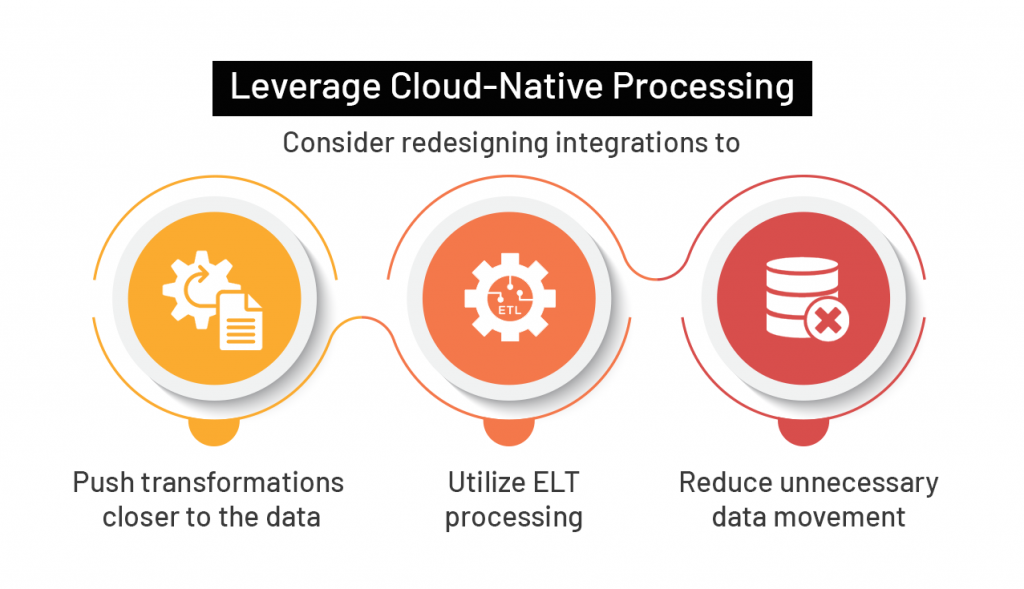
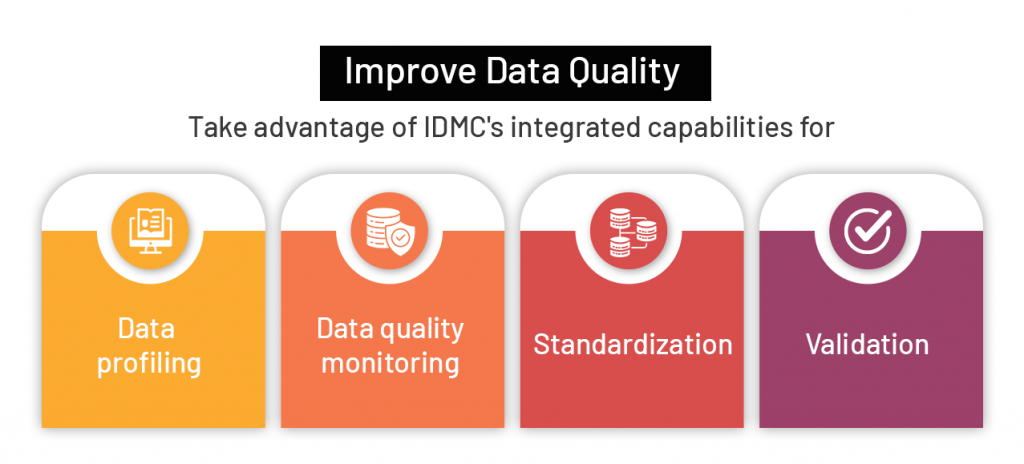
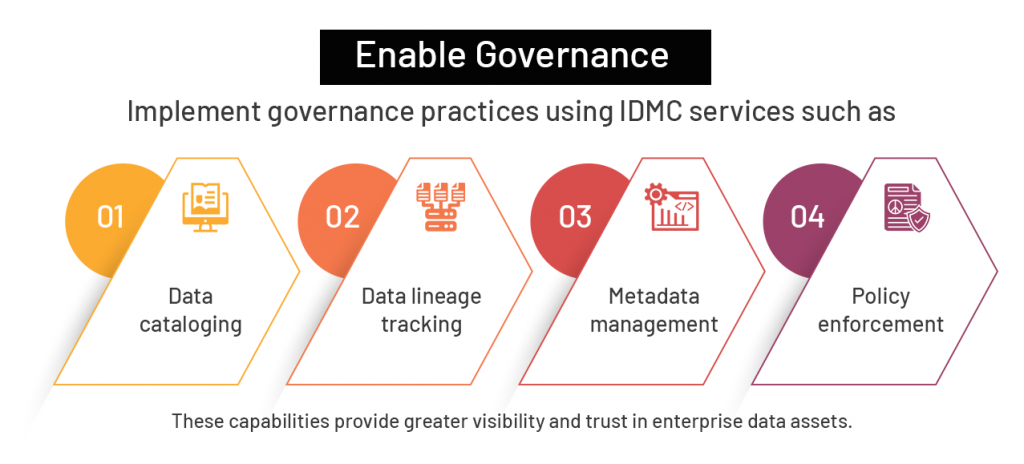
These capabilities provide greater visibility and trust in enterprise data assets.
Step 7: Prepare for Production Cutover
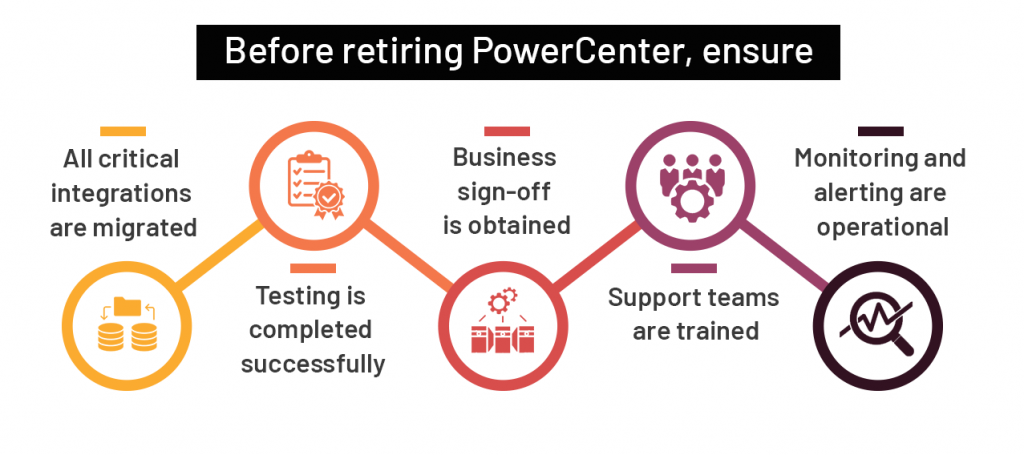
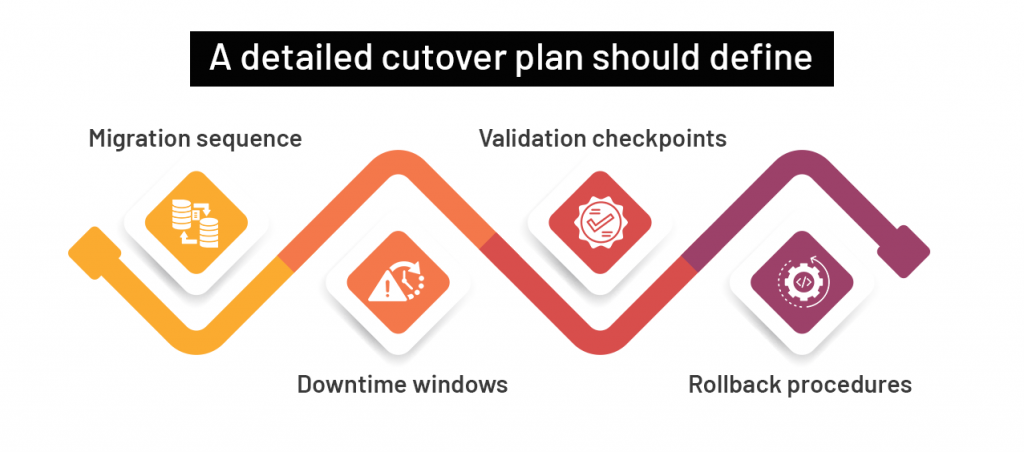
Having a rollback strategy is essential for reducing operational risk.
Step 8: Decommission PowerCenter
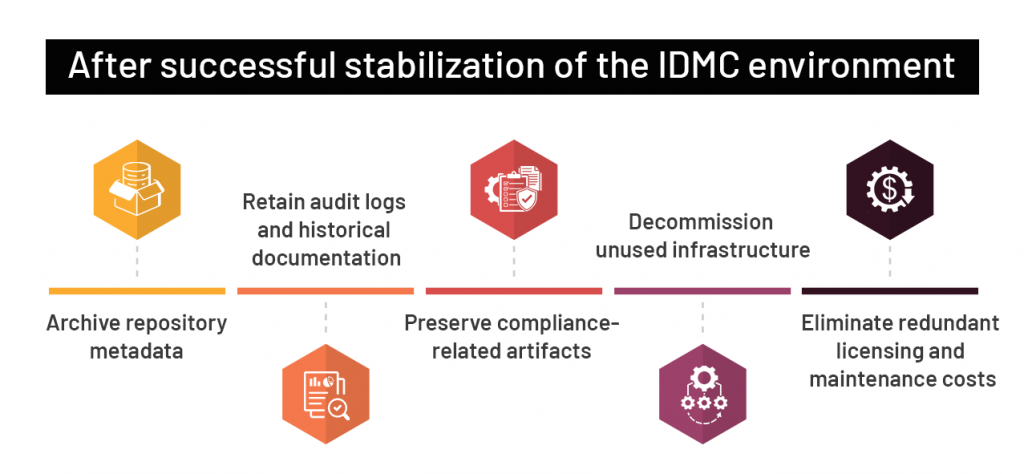
This phase allows organizations to realize the full financial and operational benefits of modernization.
Best Practices for a Successful Migration
Start with a Pilot
Select a small set of low-risk integrations to validate tools, processes, and migration assumptions before scaling.
Engage Business Stakeholders Early
Frequent communication helps manage expectations and ensures business alignment throughout the project.
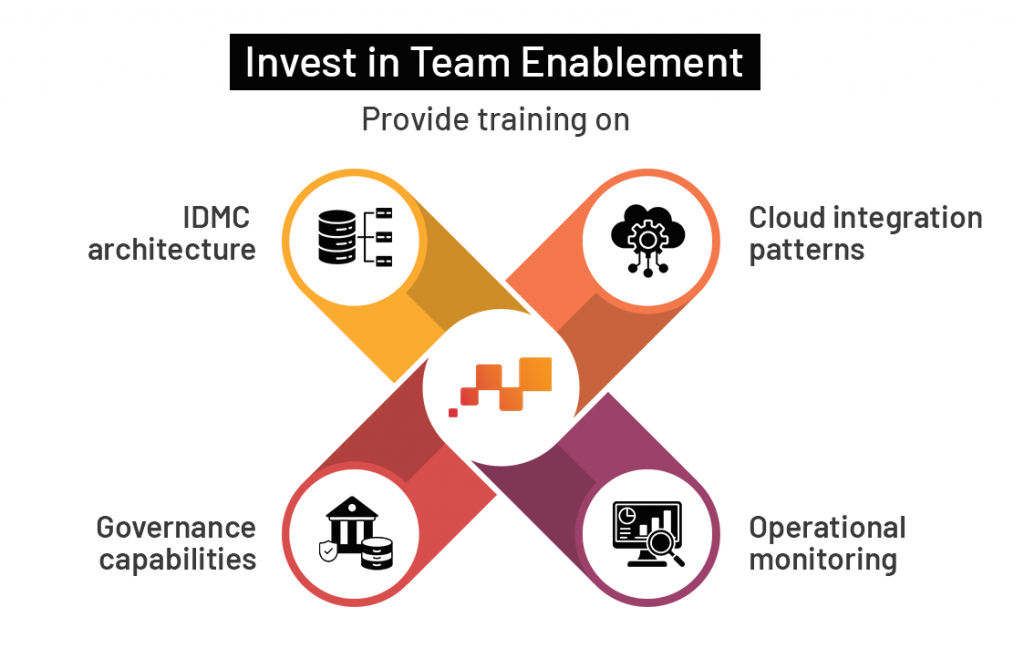
Avoid One-to-One Replication
Migration presents an opportunity to simplify and modernize workflows. Recreating every legacy design pattern may limit the value of the new platform.
Establish Continuous Improvement Processes
Cloud platforms evolve rapidly. Regularly review integrations and adopt new capabilities that improve performance, governance, and operational efficiency.
Maximizing the Value of IDMC
Migrating from Informatica PowerCenter to Informatica Intelligent Data Management Cloud is more than a technical upgrade, it is a strategic transformation initiative. A well-planned migration enables organizations to modernize their data ecosystem, improve scalability, strengthen governance, and accelerate cloud adoption.
Success depends on careful assessment, phased execution, rigorous testing, and ongoing optimization. By approaching the migration as an opportunity for modernization rather than a simple platform replacement, organizations can unlock the full potential of a cloud-native data management platform and position themselves for future growth.
Ready to modernize your PowerCenter environment with IDMC? Let’s discuss your migration strategy.

Building Governed Prior-Authorization Intelligence...

Production Readiness for Enterprise AI...

Engineering AI Token Optimization...

Mathematical Optimization for Enterprise Decision ...

AI Co-Engineer for the Data Engineering Lifecycle...

Building Scalable Data Pipelines with Alteryx and ...